The $3,500 Question: Colorado Will Fine You for an Inaccessible Website. For the Same Price, You Could Just Fix It.


An audit tells you what is broken. A penalty punishes you for it. Only remediation removes the risk. Here is why the smart money fixes first. – By Nate Stockard, President, Blue Atlas Marketing
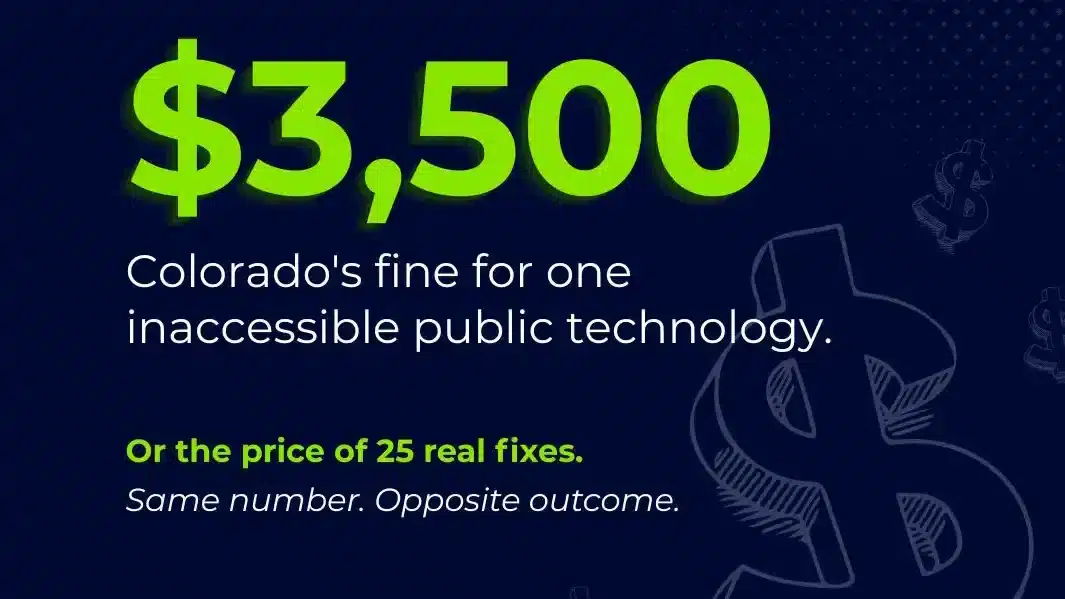
Colorado just put a number on ignoring website accessibility, and it is a number I know well. Under the state’s accessibility law, HB21-1110, public entities had to meet WCAG 2.1 AA by April 24, 2026. That deadline has already passed. Now any resident can sue a non-compliant city, special district, or public college, and the Colorado website accessibility fine is $3,500 per inaccessible technology, plus possible damages and attorney fees.
I noticed that number right away, because $3,500 is the exact price of the remediation starter we built at Blue Atlas. Same figure, opposite outcome. One organization pays $3,500 because it did nothing. Another spends $3,500 and actually fixes 25 things. That contrast is the whole story, so let me walk through it.
“Per technology” is not one number. It is ten.
The first thing to understand about a law like this is how fast the exposure adds up. The penalty is not per website. It is per inaccessible technology, and a good plaintiff’s attorney can pull that apart. Your website is one. Your online portal is another. Your class-registration interface, your permit system, your mobile app, each one is its own count. Pile up ten of those and you are no longer talking about $3,500. You are talking about a demand letter with a lot of line items.
That is the point of these laws. They are written to make it quick and easy to say: the requirement was in effect, you did not meet it, here is the bill. If you have avoided accessibility as a whole, the cost compounds against you.
Here is the flip side. One unaddressed problem can cost you $3,500 in Colorado. For that same $3,500, you can come to a remediation firm and get roughly 25 fixes done against your highest-priority issues. Do that a couple of times and, in a lot of cases, you have handled the bulk of it. So the real question is the one every organization eventually faces: pay now, or pay later. And when you pay later, you still have to fix the problem afterward. You end up paying twice.
Waiting for 2027 is a bet, not a plan
A lot of organizations are leaning on the federal extension that pushed ADA Title II compliance to 2027 and 2028. I would not get comfortable. The National Federation of the Blind has sued the DOJ and HHS to vacate those extensions and reinstate the original 2026 dates, arguing the agencies skipped required notice-and-comment. If a court agrees, the deadline everyone is counting on could snap back overnight.
But this misses the bigger point, and it is one organizations forget constantly. The law is already in place. The 2027 date is just when the Department of Justice says it will start looking. It is not a shield against everyone else. Private individuals and advocacy organizations can sue you today.
A resident who cannot register for a class or pay a bill does not need to wait for the DOJ. So why are you waiting? Waiting for a federal agency to force your hand sends a quiet message to the people you serve: if we did not absolutely have to do this, we would not. That is not a message any public institution wants on the record.
An audit is the first inch of a very long road
When people read about a $3,500 penalty or a lawsuit, their first instinct is “I need to get audited.” I understand the reflex. Most of the industry is built around it, because selling an audit is easy and the deliverable looks impressive. But stop and ask the obvious question: once you know you have issues, so what? Somebody still has to fix them.
This is where organizations get stuck. The audit comes back as a 60-page PDF with a few hundred findings, and one of two things happens. Either it gets thrown over to the IT department, which is usually staffed with hardware and software people, not website coders who know how to remediate accessibility issues, or it gets parked behind more urgent, more interesting work. Either way the site stays inaccessible. You paid real money to learn what is broken, and nothing got repaired.
I explain it to non-technical leaders with a house. Knowing your foundation is crumbling and actually fixing the foundation are two entirely different things. Getting an audit is a home inspection. It tells you the foundation is bad. If you look at that report and decide to spend your budget on landscaping instead, hoping nothing happens, that is not a professional approach and it is not a good legal one. You are going to get sued, and now there is a document proving you knew.
What a scanner and an overlay can never fix
Automated tools catch a real but limited share of accessibility problems, and they will flag many of the big ones. That is useful as a first pass. What they cannot do is the judgment work, and this is exactly where overlays get organizations in trouble.
Take ARIA labels, the code that tells a screen reader what something is. An overlay will drop an ARIA label onto an element without truly knowing what it is labeling, so it mislabels it. A screen reader user then hears the wrong thing, which is just as inaccessible as no label at all. Some experts will tell you a wrong label is worse than none.
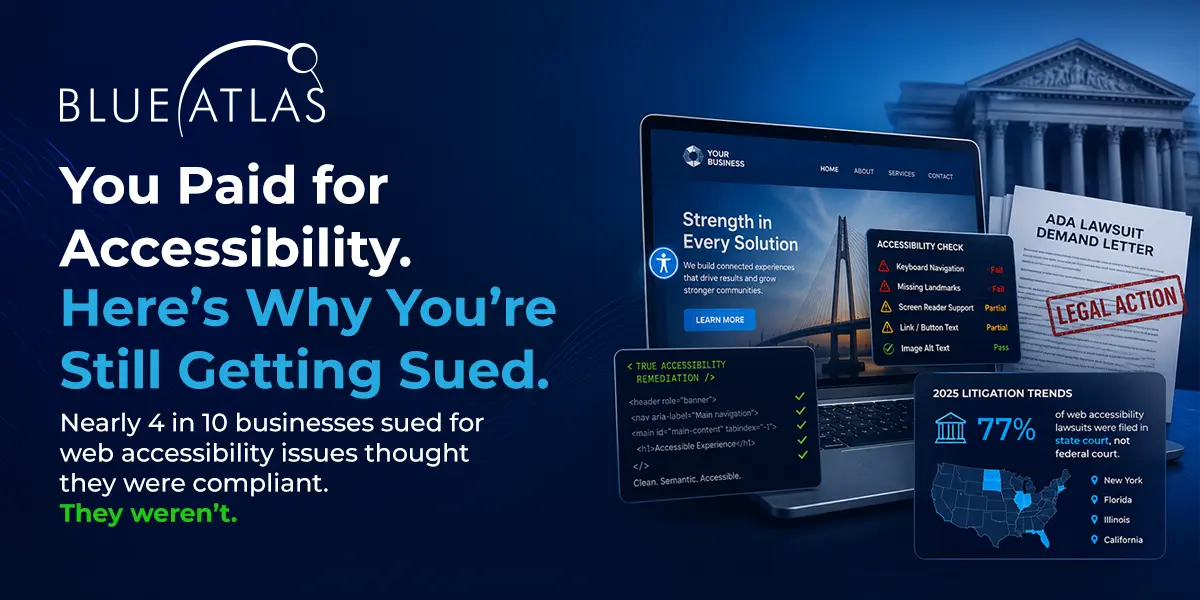
This is not a fringe problem. According to WebAIM’s analysis of one million home pages, pages that used ARIA averaged 41% more detected errors than pages without it, precisely because ARIA gets papered over broken code. A widget slaps ARIA everywhere and declares victory. If the labels are wrong, the site is still broken.
Contrast is the same story. An overlay adjusts colors until the numbers pass, but numbers passing and a human being able to read the text are not the same thing. The overlay is a computer deciding two color values work together. Whether they actually work for a person with low vision or color blindness is a visual judgment it cannot make. And forms are worse.
I have watched overlays quietly break forms, or make them look like they work in code while a real user still cannot complete them. If someone genuinely cannot pay a bill, get a permit, or take a class on your site, they are going to sue you, and they should, because you discriminated against them and then covered it with a few-hundred-dollar-a-year widget.
Even the federal government cannot automate its way out
If you think a tool can solve this, look at the people with the most tools. The GSA’s most recent governmentwide Section 508 assessment scored federal agencies below 2 on a 5-point scale, with fewer than half of the most-used public-facing assets fully conformant, across 212 agencies. These are organizations with mandates, budgets, and every tool available, and they still fall short. If they cannot buy their way to conformance with a workaround, an overlay is not going to save a private business either.
That scorecard also exposes a misunderstanding that runs in both directions. One group treats accessibility as something you solve with a cheap widget. The other treats it as a 255-page audit, a 255-page roadmap, a 19-month project, and a whole new department. Neither is right. There are things you need to make accessible, and things you do not, and an expert with real experience can tell the difference. An automated scan cannot. It hands you everything at once and leaves you to guess what actually matters.
What real remediation actually looks like
Here is the work a scanner cannot do. A tool, including the trackers we build internally, will point you toward where an issue lives: it is in this container, this div, this class. That is the starting point, not the answer. It takes a human developer to look at that location, confirm the problem is really there, understand what is actually broken, and fix it. A computer thinks correct-looking code is correct. A human can see that the code is technically valid and still breaking the experience for a screen reader.
We fixed a site recently where every automated check passed. The code scanned clean. But the moment you turned on the NVDA screen reader, the site broke. It took a person to find it, and the fix itself was quick once we did. A scanner or an overlay would have reported that page as good to go while a real user hit a wall. That gap between “the scan says we are fine” and “a person can actually use it” is the entire job.
Cost depends on where the problems live, not how many there are
There is a good insight in the industry that remediation cost is driven by where defects live, not simply how many findings you have. It is true, and it is why scoping beats boiling the ocean.
Pay one of those firms $20,000 for a full audit and you get a massive document, partly because a big deliverable justifies a big invoice. Every page that shares the same template or component comes back flagged. The report might say you have 644 instances of one issue. But 644 instances of the same problem can often be corrected with a single fix in the shared template. That might take fifteen minutes or it might take five hours, but either way it is one fix, not 644.
A human who knows what they are doing looks at the findings and says these ten pages are really one page fixed once. That is what lowers the cost, and it is why you want the work scoped by someone who actually knows how to fix it, not just count it.
Where the $3,500 starter fits
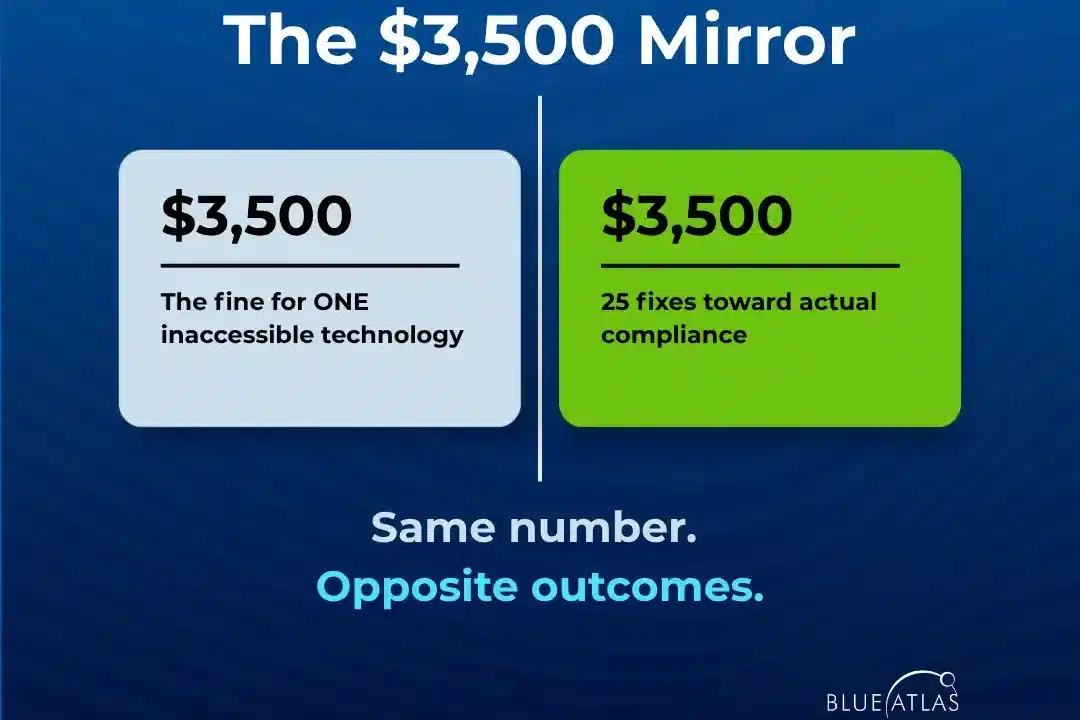
So do the math out loud. In Colorado, one unaddressed violation is $3,500, and that is just the statutory fee. It does not include attorney costs, and you can spend $3,500 just having your lawyer respond to a demand letter. Other states run higher, $4,500, $5,000, before fees. A full lawsuit runs into six figures. An audit, meanwhile, costs money and hands you a to-do list.
Our starter is built for exactly this moment. For $3,500 you get 25 fixes or 15 development hours, whichever comes first, aimed at the highest-priority, most critical, and quickest-win issues. We have just completed projects where a focused first pass got the main user flows working properly across assistive technology, which is what actually matters. It does two things at once. It makes your site usable for the roughly one in four adults who may struggle with it today. And it changes the story you can tell.
Think about how each version reads in court. An audit alone says: you knew you had problems and you did nothing. Engaging a remediation firm says: we identified our issues, brought in a qualified third party, and here is what we fixed in the first pass. One is a liability. The other is documented, proactive work that reduces your risk. It also lets you write an accessibility statement that is actually true, one that says the main workflows are working, some issues remain, and the remaining work is scheduled. That honesty is worth something, both to the people using your site and to anyone deciding whether it is worth suing you.
What to do before you close this tab
If you run web or IT for a city or a college, here is what I want you to take away. Blue Atlas is your partner in the part everyone else skips, the fixing. We do remediation in a fraction of the time your team would, because your team does not do this every day, and that is fine. You are installing updates, standing up servers, and handling a hundred other things. Accessibility is going to sit at the bottom of that list unless someone whose whole job is fixing it takes it off your plate.
You already understand this everywhere else. When your college needs an ADA-compliant bathroom, you do not hand it to your maintenance team. You hire a contractor who knows the code and does it right. Your website is no different. Stop asking people who are not trained for it to make the changes, and bring in someone who is.
And if you are relying on an overlay, or on an audit you paid for last year, understand what those are. An overlay does not fix anything. Worse, it raises a banner to the serial plaintiffs and their attorneys, who now specifically look for sites running overlays, because a widget almost always means a lazy workaround sitting on top of a broken site.
That shift is recent: a major overlay vendor was ordered to stop claiming its product makes websites compliant after a costly enforcement fight. They cannot say it makes you accessible anymore, because it does not. An audit is no better on its own. It is the mechanic handing you a list of fifteen things wrong with your car. Knowing does not make the car run. Only the repair does.
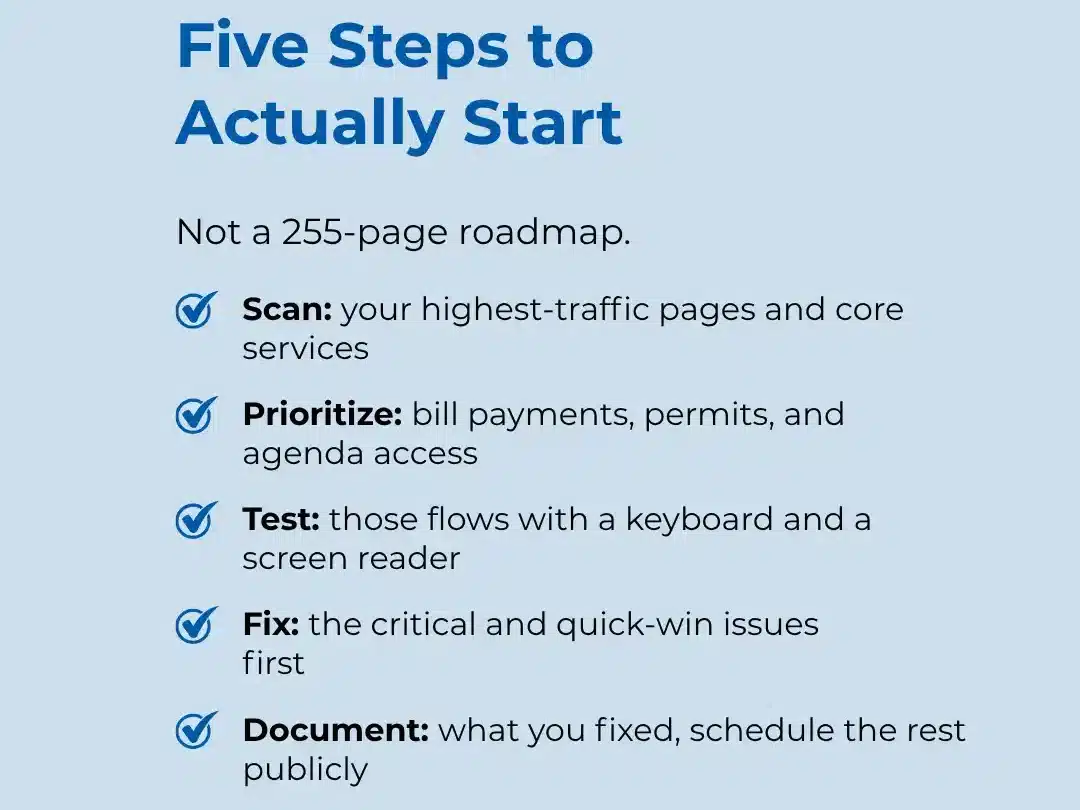
Get the scan. Fix the priority issues. Document what you did. That is the path that actually reduces your risk, and you can start it for less than the cost of a single Colorado penalty.
Start with real fixes, not another report. Blue Atlas remediation starter: $3,500 for 25 fixes or 15 development hours, targeting your highest-priority accessibility issues.