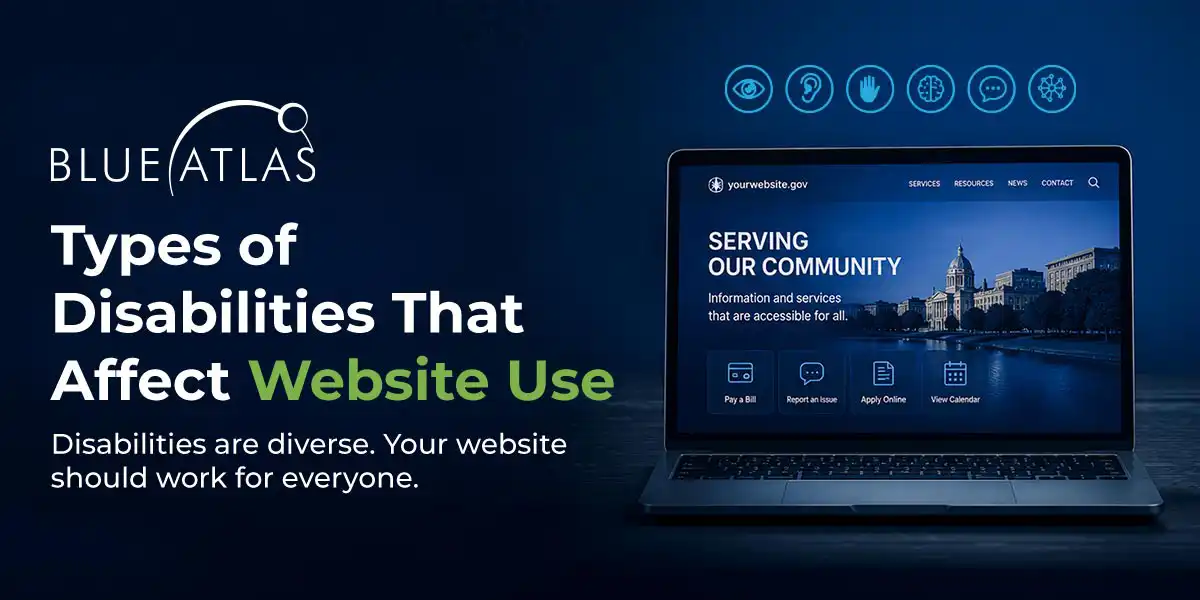
Types of Disabilities That Affect Website Use

Want to hear an audio version of this article? Click the play button below.
Understanding how people with disabilities access the web, and why accessibility matters.
More than 1 billion people worldwide live with a disability, according to the World Health Organization. For any business with a website, that number represents a significant share of potential customers who may not be able to use a site as designed. Accessible websites ensure that everyone, regardless of ability, can find information, use services, and complete transactions online.
Accessibility problems are rarely the result of a single oversight. They tend to stem from a lack of awareness about how different disabilities affect the way people browse, read, and interact with a website. Below is a breakdown of six types of disabilities that commonly affect web use, along with the specific challenges each group faces and the solutions that address them.
1. Visual Disabilities
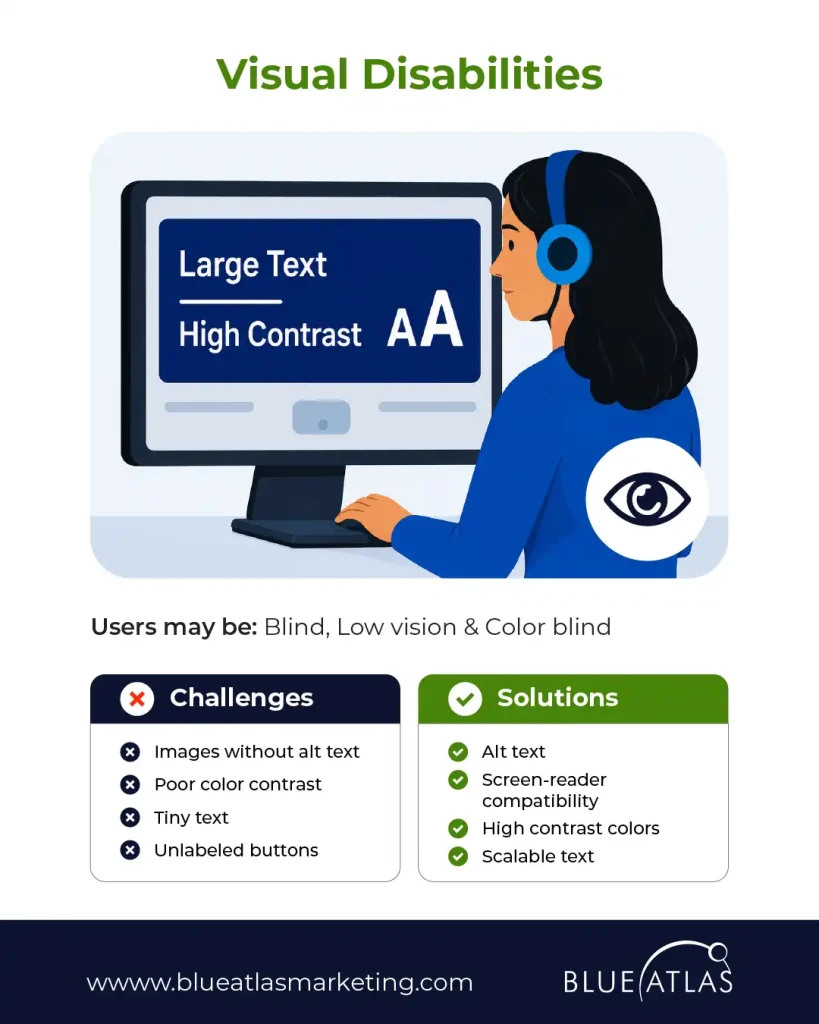
Users may be: Blind, low vision, and color blind.
Visual disabilities are among the most common barriers to web access, and they range widely in severity. Someone who is blind relies entirely on a screen reader to navigate a page, which means every image, button, and form field needs a text label the software can announce. Someone with low vision or color blindness may be able to see a page but struggle to read small text or distinguish between similarly colored elements, such as a red error message on a pink background.
Challenges
- Images without alt text
- Poor color contrast
- Tiny text
- Unlabeled buttons
Solutions
- Alt text on all meaningful images
- Screen-reader compatibility
- High-contrast color combinations
- Scalable text that resizes without breaking layout
2. Hearing Disabilities

Users may be: Deaf and hard of hearing.
For users who are deaf or hard of hearing, any content delivered exclusively through sound is inaccessible unless an alternative is provided. This includes product demo videos, podcasts, and even simple audio notifications built into a site’s interface. Captions and transcripts solve the majority of these barriers, and they carry a secondary benefit: they make content easier to skim and index for search engines.
Challenges
- Videos without captions
- Audio-only content
- Missing transcripts
Solutions
- Closed captions on all video content
- Video transcripts
- Visual alerts in place of audio cues
- Sign language support where applicable
3. Motor and Physical Disabilities

Users may have: Limited dexterity, tremors, paralysis, and mobility impairments.
Many users with motor or physical disabilities cannot operate a mouse with precision, or at all. They may navigate using a keyboard, a switch device, or voice commands instead. Websites that require a mouse to complete an action, such as a hover-only dropdown menu, effectively lock these users out. Designing for full keyboard navigation and generous click targets addresses this challenge directly.
Challenges
- Small clickable targets
- Mouse-only navigation
- Time-sensitive interactions
Solutions
- Full keyboard navigation
- Large click areas
- Flexible time limits
- Assistive technology support
4. Cognitive and Learning Disabilities
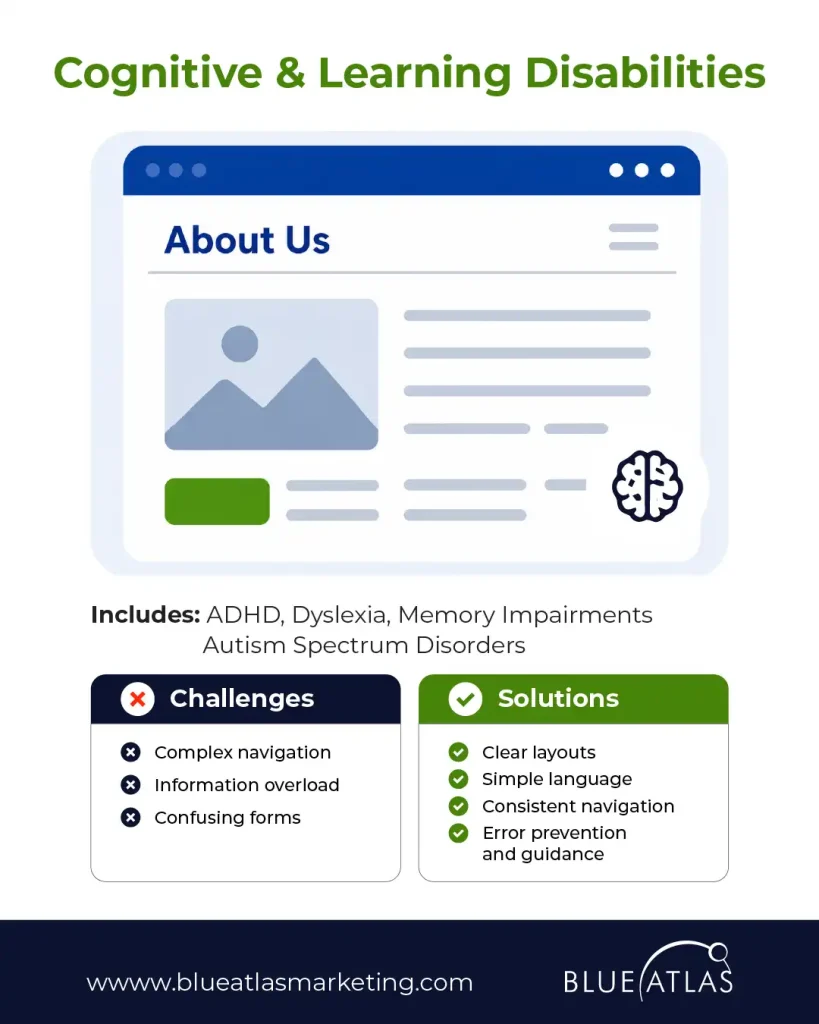
Includes: ADHD, dyslexia, memory impairments, and autism spectrum disorders.
Cognitive and learning disabilities affect how users process, retain, and act on information, rather than how they physically access a page. A site with cluttered layouts, dense paragraphs, or unpredictable navigation can overwhelm users with ADHD or make it harder for someone with dyslexia to follow along. Clear structure, plain language, and consistent design patterns reduce the mental effort required to complete a task, which benefits every visitor, not just those with a diagnosed condition.
Challenges
- Complex navigation
- Information overload
- Confusing forms
Solutions
- Clear, predictable layouts
- Simple language
- Consistent navigation across pages
- Error prevention and guidance
5. Speech Disabilities

Users who may have: Difficulty speaking clearly or at all.
As more websites add voice-activated search and voice assistants, users with speech disabilities can be left without a way to interact at all. A site that offers a voice option should never make it the only option. Text-based alternatives, such as live chat or a standard contact form, keep the experience open to everyone.
Challenges
- Voice-only systems
- Mandatory voice interactions
Solutions
- Multiple communication methods
- Text-based support options
- Accessible chat systems
6. Neurological Disabilities

Includes: Epilepsy, seizure disorders, multiple sclerosis, and traumatic brain injuries.
Flashing or rapidly moving content can trigger seizures in users with epilepsy or photosensitivity and can cause dizziness or disorientation for users with other neurological conditions. Autoplaying carousels, flashing banners, and parallax scrolling effects are common offenders. Giving users control over motion, or removing unnecessary animation altogether, makes a site safer without sacrificing visual appeal.
Challenges
- Flashing animations
- Excessive motion effects
- Distracting interfaces
Solutions
- Motion controls that let users pause or disable animation
- Reduced animation options
- Safe, tested multimedia content
Why Accessibility Matters
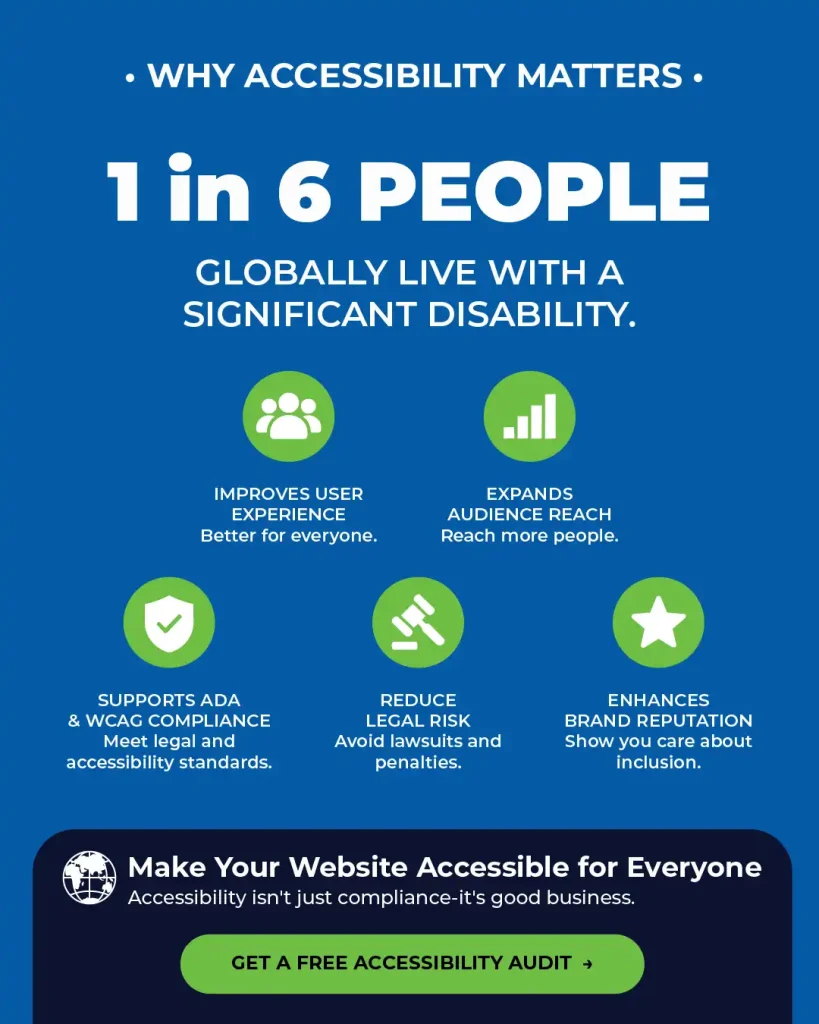
Roughly 1 in 6 people globally live with a significant disability. Building an accessible website is not a niche consideration. It is a core part of reaching and serving a meaningful portion of any audience.
Make Your Website Accessible for Everyone
Accessibility is not just a matter of compliance. It is good business. Blue Atlas Marketing helps organizations identify and fix the accessibility barriers on their websites, from missing alt text to inaccessible navigation, so that every visitor can use their site with confidence.
Ready to see where your website stands? Get a free accessibility audit from Blue Atlas Marketing today.